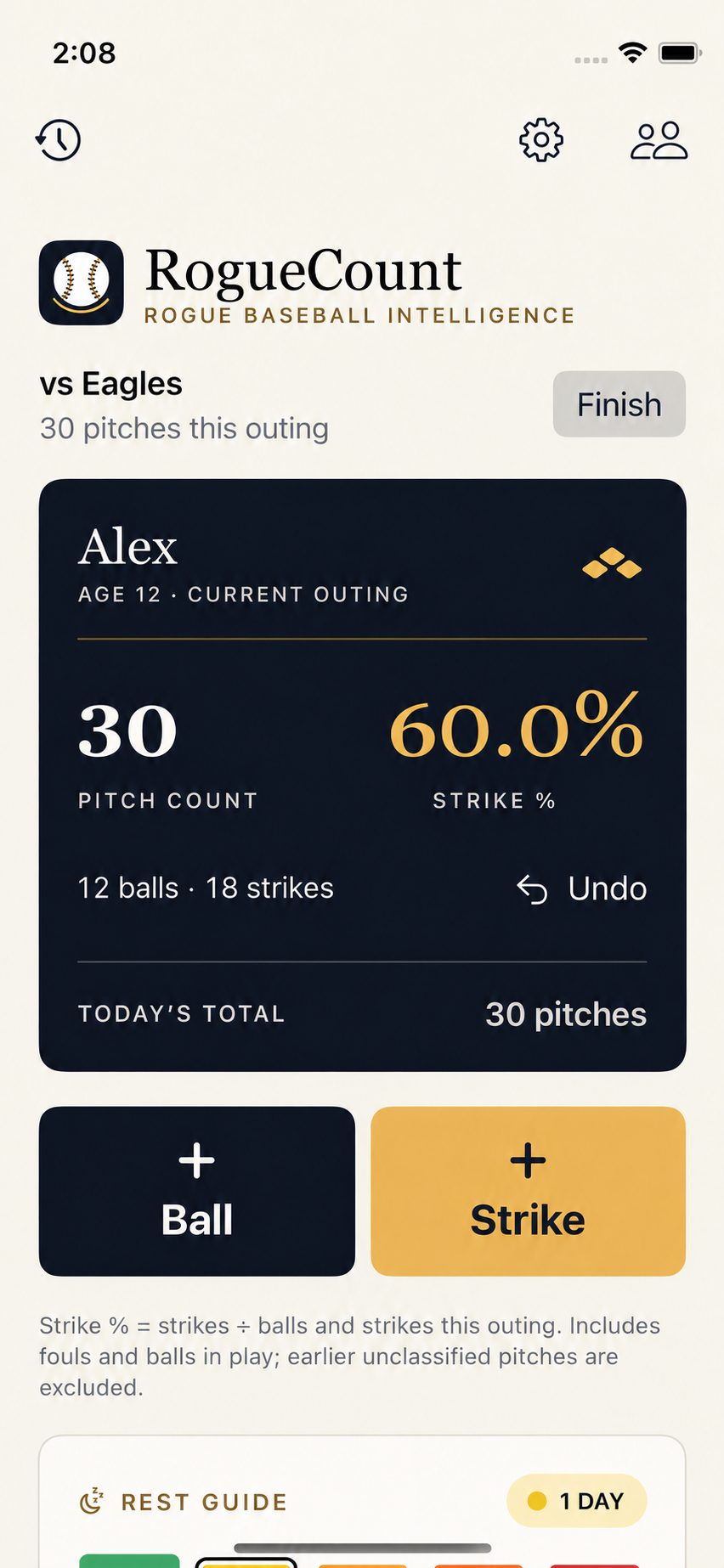
Turn the long-term plan into the right work today.

Player Development OS manages training plans and workload. Scouting Notebook organizes player evaluations, field notes, and performance data.

Public demos available. Private accounts by invitation.

Ghosted digital baseball athlete with fine contour mesh and warm field-light highlights, holding a lowered bat

Products

Both demos are open to explore without an account.

01 / Player development

Player
Development OS

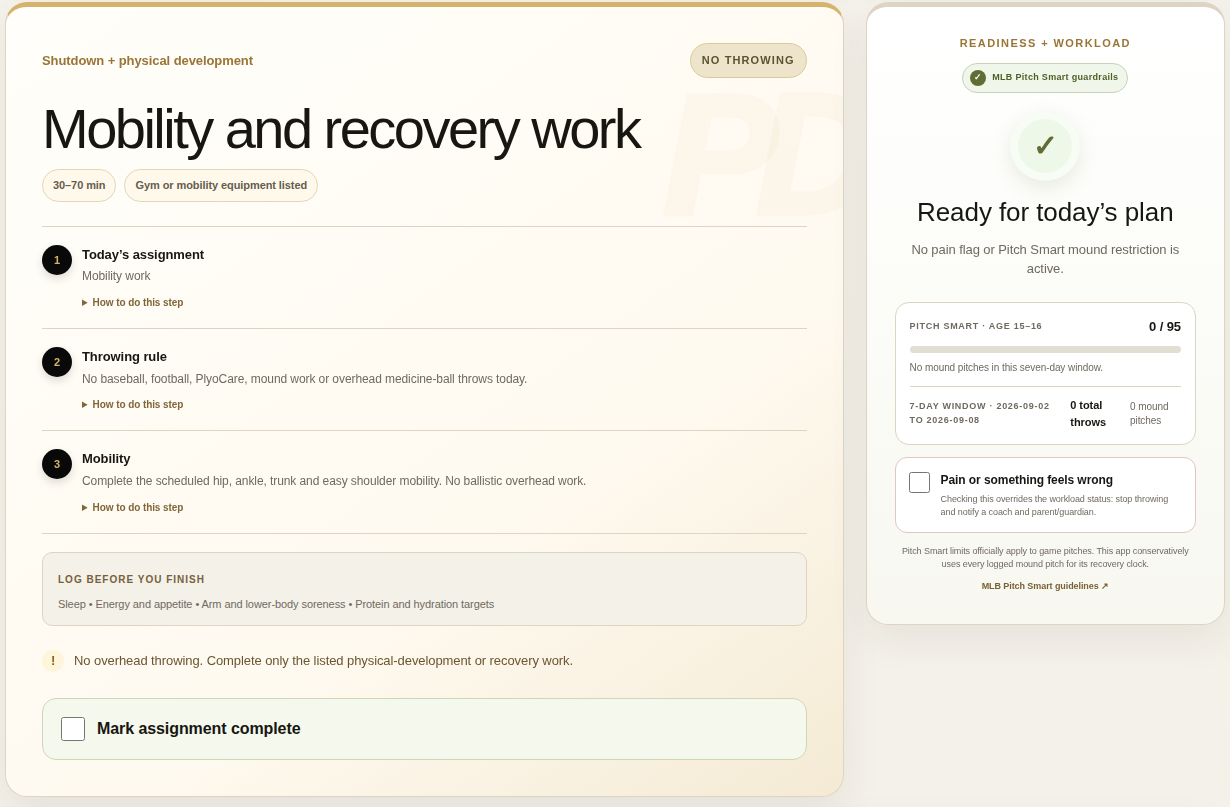
See the day’s assignment alongside the workload that informs it.

Plan training, record completed work, and review adjustments with the coach. Team activity and recent workload provide context for the next session.

Public demo · Sample dataEnlarge screen ↗
Public demo showing the daily assignment beside readiness and workload controls
Daily assignment and workload context Captured September 8, 2026
02 / Scouting

Scouting Notebook

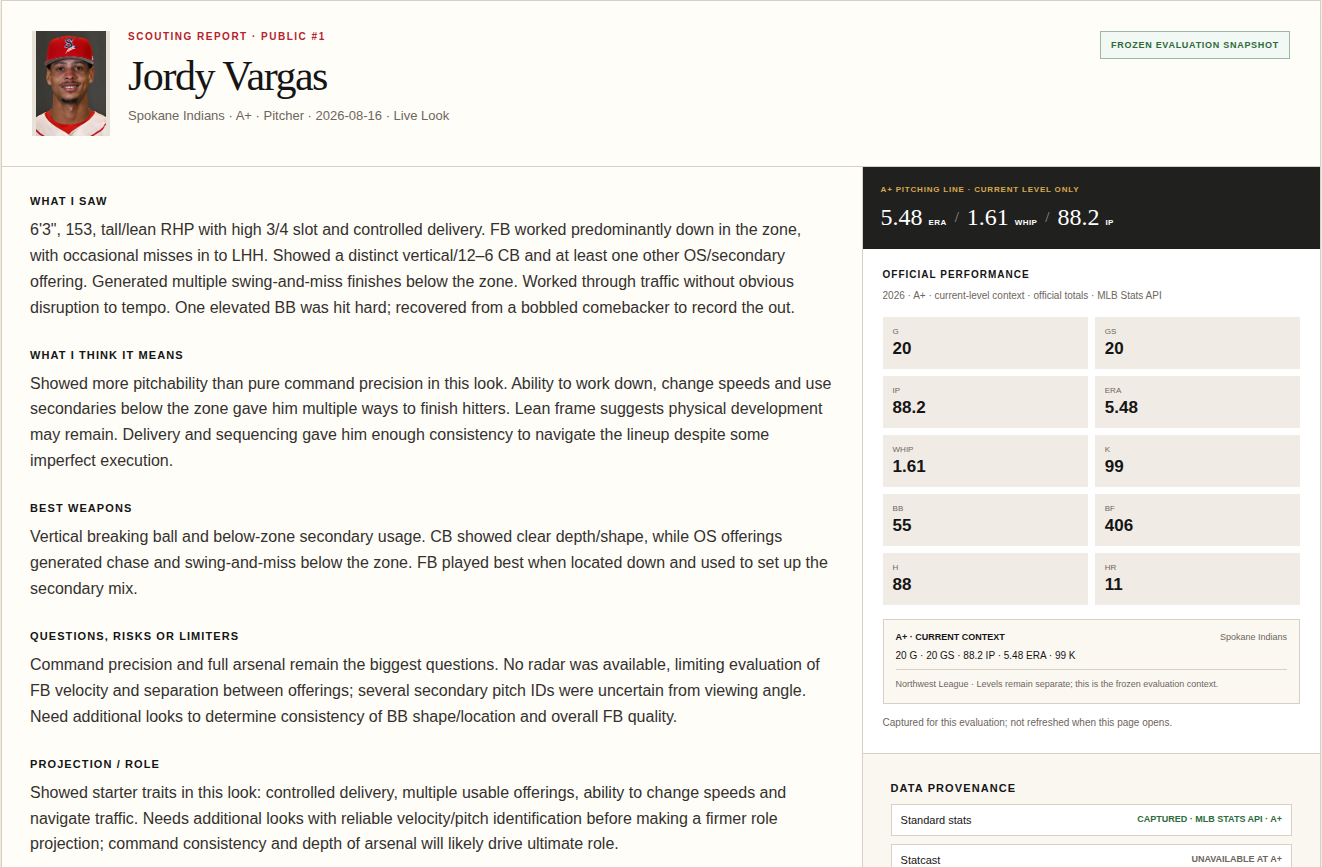
Read the field observations and the supporting player data together.

Keep evaluations, grades, projections, and follow-up questions in one report. Compare the numbers at the player’s competition level.

Public scouting demoEnlarge screen ↗
Public scouting report with field observations and level-specific statistics
Field evaluation and statistical context Captured September 8, 2026
What’s in development
In development

Player Development OS for coaches

The next version adds multiple athletes, permissions for coaches and guardians, and a history of plan changes. Preparation for an external pilot is still underway.

Private pilot

Athlete Profiles

Athlete records with teams, positions, measurements, and development history.

Developing

Hitting Development

A planned hitting program with swing observations, assigned drills, and training schedules.

Roadmap

Scouting + Team Intelligence

Planned opponent reports and game preparation tools.

Player Development OS example

An extra practice on a training day

A team practice is added after the day’s training is planned. Follow how that changes the assignment.

Illustrative workflow with a sample outcome. Individual changes require review of the athlete’s actual context.

What changes
  1. 01

    The original assignment

    The day has a warm-up, individual skill work, and a strength session. No team activity has been entered yet.

  2. 02

    Practice enters the picture

    The added team practice may overlap with the individual session. The original assignment needs another look.

  3. 03

    Review before changing the plan

    Consider the team activity, recent workload, and athlete’s check-in. The assignment stays pending until that context is reviewed.

  4. 04

    A revised day, with a record

    In this example, team practice replaces the individual session and strength work moves to a later session. The original assignment remains visible for comparison.

Workload context includes MLB Pitch Smart guidelines. This independent project is not affiliated with or endorsed by MLB. The software does not provide medical clearance.

About Rogue Baseball Intelligence

Rogue Baseball Intelligence builds tools to organize training, workload, and player evaluations. The work draws on baseball coaching experience and a background in multi-unit operations leadership.

Support developmentOptional development support

Contributions help cover development, hosting, and testing.

Support is entirely optional and does not affect pilot eligibility, product access, features, coaching attention, plan quality, support priority, or privacy rights. Payments are not tax-deductible charitable donations. Stripe handles checkout and receipts.

Product screen

Published demo capture · September 8, 2026